Most CRMs are graveyards. We ran an AI agent across 9,000 dormant Pipedrive contacts over 90 days and found out exactly why that graveyard has value.
Most CRMs are graveyards. We ran an AI agent across 9,000 dormant Pipedrive contacts over 90 days and found out exactly why that graveyard has value.
TL;DR
- One AI agent worked through 9,000 dormant contacts in a Pipedrive CRM over a 90-day reactivation campaign.
- Most dormant contacts are not dead. They are just waiting for someone to ask the right question at the right time.
- If your CRM has a significant backlog of untouched contacts, this build is directly relevant to you.
Running one AI agent across 9,000 dormant Pipedrive contacts over 90 days taught us more about CRM hygiene, timing, and reactivation logic than most paid reviews ever would.

Why Do Dormant Contacts Build Up in Pipedrive?
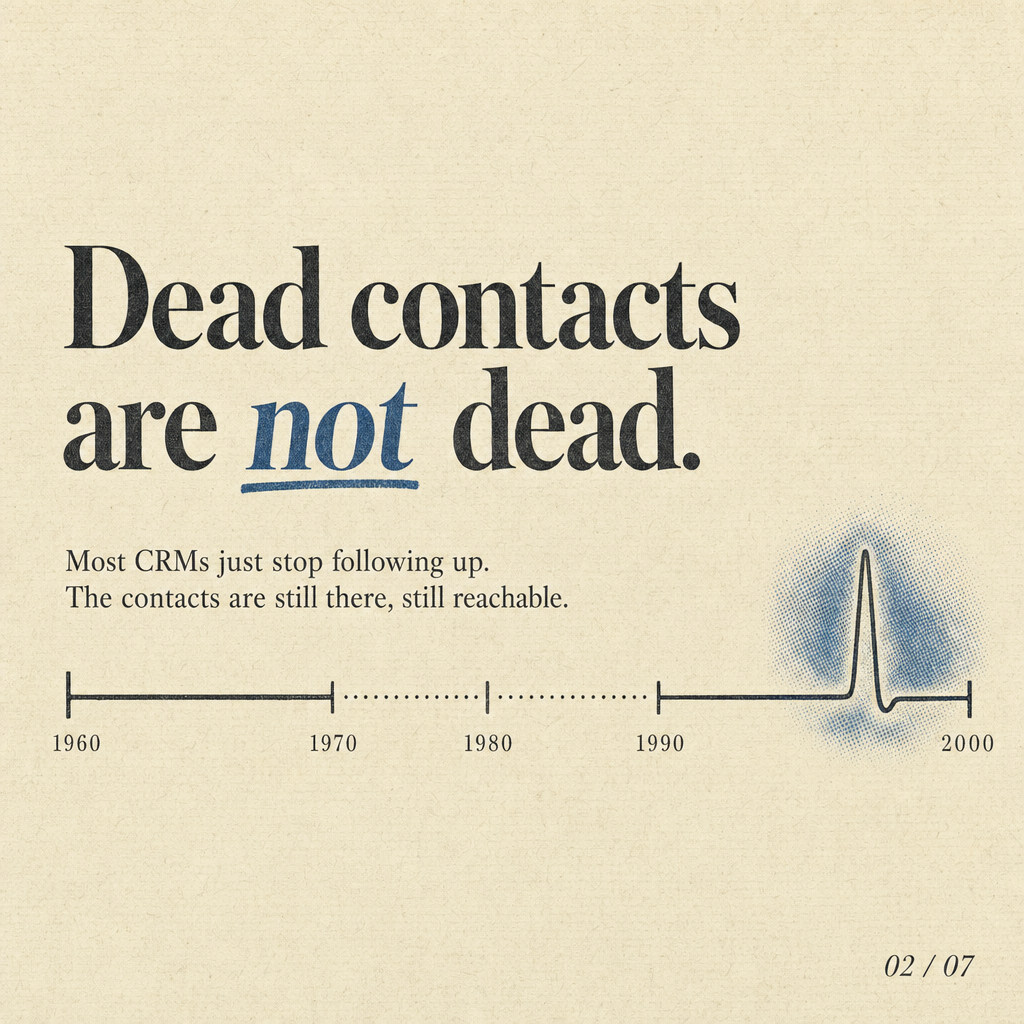
Most service businesses accumulate dormant contacts because follow-up is a manual task, and manual tasks get dropped when the team gets busy.
Finance brokers, insurance advisers, and real estate principals generate a steady stream of enquiries. Some convert quickly. The rest sit in a pipeline stage that nobody actively works. Over months and years, those contacts pile up. The CRM becomes a list of good intentions rather than a working sales asset. The data is still there. The permission to contact often still exists. The problem is that no human has the capacity to work through thousands of records without a system doing the heavy lifting.
For Australian businesses, there is also a compliance dimension. Before any outbound campaign touches dormant contacts, the ACMA Do Not Call Register check is non-negotiable. That scrub has to happen before a single call is placed.
How Was the AI Agent Set Up for This Campaign?
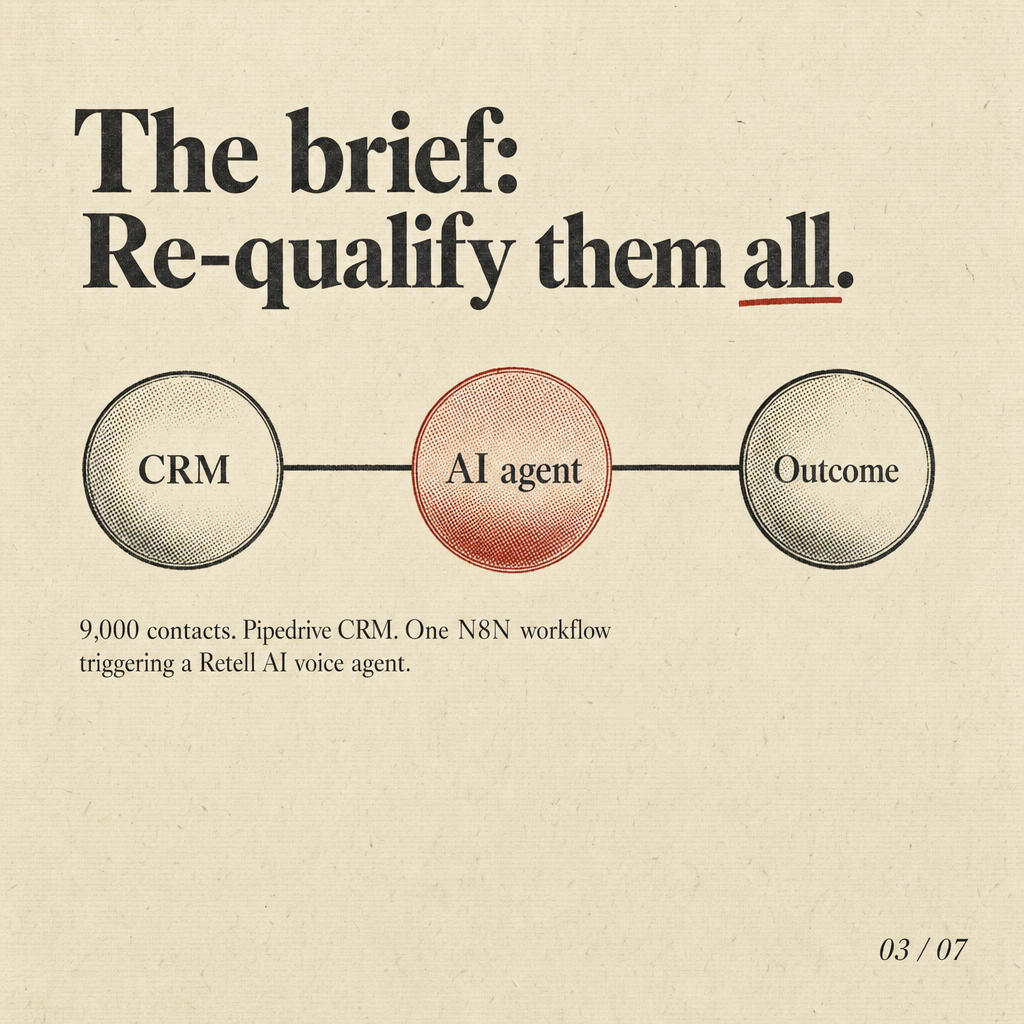
The agent was wired directly into Pipedrive via N8N, with call execution handled by Retell AI and a simple qualification script built around three core questions.
The setup was deliberately lean. N8N pulled contact records in batches based on filters: last activity date, pipeline stage, and whether the contact had a valid phone number. Each record was checked against the DNCR before being queued. Retell AI handled the actual voice calls. The agent introduced itself honestly as an AI assistant, stated which business it was calling on behalf of, and asked whether the contact still had a need in the relevant service area. Outcomes were written back to Pipedrive in real time: interested, not interested, wrong number, or callback requested. No manual data entry. No human listening to every call. The agent ran during compliant calling hours and stopped if a contact asked it to.
For context on how we approach platform selection for these builds, our Retell vs Vapi vs Bland comparison on 200 broker leads covers the cost and behaviour differences in detail.
What Mechanics Made the Reactivation Work?
Timing logic and contact segmentation did more work than the script itself.
Not all dormant contacts are equal. A contact who enquired six months ago and never converted behaves very differently from one who was marked as a future opportunity two years ago. We segmented the 9,000 records by recency and original pipeline stage before the agent touched them. More recent dormant contacts were contacted first. The script was adjusted slightly by segment: shorter and more direct for recent contacts, warmer and more contextual for older ones. Call timing was set to mid-morning and early afternoon on weekdays, which consistently produces better answer rates across our Australian client builds. The agent also respected any prior opt-out signals stored in Pipedrive custom fields.
The mechanics that matter most in a campaign like this:
- DNCR scrub before every batch, not just at campaign start
- Segmentation by recency and original enquiry type
- Answer-back logic that writes outcomes to the CRM in real time
- Compliant calling hours hardcoded into the N8N workflow
- A clear opt-out pathway the agent can recognise and action

What Did We Actually Find After 90 Days?
A meaningful portion of dormant contacts were still in-market. The data quality issues were the bigger surprise.
The reactivation rate among contactable records was higher than the client expected. More interesting was what the campaign revealed about the database itself: a significant portion of the 9,000 records had wrong numbers, had moved on, or had already converted through another channel and simply never been marked as closed. That information alone has real value. A CRM full of stale or inaccurate records is actively misleading the people using it. The 90-day campaign functioned as a database clean up as much as a sales exercise. Contacted records got updated. Dead records got flagged. The dormant contacts that were genuinely interested got routed to a human within a short window of the call. The cost per reactivated contact was a fraction of what inbound lead generation costs for the same service category, which is consistent with what we documented in our what the first call to an enquiry costs a broker.

What Should You Take Away From This Build?
The dormant contacts sitting in your CRM right now are not a write-off. They are an underworked asset.
Most service business owners look at a backlog of untouched contacts and assume the opportunity is gone. Sometimes it is. But a well-segmented, compliance-checked AI reactivation campaign will almost always surface a pocket of people who are still in-market and simply were not followed up at the right time. The 90-day window forces discipline. You learn what your data actually looks like. You learn which pipeline stages are real and which are where leads go to quietly die. And you get a clean, updated CRM at the end of it regardless of the reactivation outcome.

Key Takeaways
- Dormant contacts accumulate because follow-up is manual. An AI agent removes that constraint at scale.
- Compliance scrubbing and contact segmentation are not optional steps. They determine whether the campaign is legal and whether it performs.
- A reactivation campaign over 90 days doubles as a database clean up. The data quality findings alone are worth the effort.
- The cost to reactivate a dormant contact via AI is materially lower than acquiring a new inbound lead in most Australian service categories.
If your CRM has a significant backlog of dormant contacts and you want to know what an AI reactivation build would look like for your business, send us a note and we will map it out with you. No sales deck, just a straight look at your setup and what is actually possible.
Frequently Asked Questions
Is it legal to call dormant contacts using an AI agent in Australia?
How do you connect an AI voice agent to Pipedrive for a reactivation campaign?
What percentage of dormant contacts typically re-engage in a campaign like this?
How long does it take to build a Pipedrive AI reactivation agent?
Can this approach work for industries other than finance broking?
Written by Syed Bilgrami
Runs TheAutomate, a Melbourne automation agency. He scopes the work, writes it, and picks up when it breaks.
What is the work that repeats in your business?
Book a 30 minute discovery call with Syed. He scopes the work himself, so you are talking to the person who would build it.
Book a Discovery Call