After shipping 18 n8n workflows for clients who'd never heard of an API, a few patterns emerged. Here's what actually matters when the person on the other end just wants it to work.
After shipping 18 n8n workflows for clients who'd never heard of an API, a few patterns emerged. Here's what actually matters when the person on the other end just wants it to work.
TL;DR
- Shipping n8n workflows for non-technical clients teaches you more about communication than it does about code.
- Plain language, clear error messages, and early ownership handoff are what separate builds that stick from ones that get abandoned.
- If you're building automation for Aussie SMBs, these five lessons will save you a lot of rework.
After 18 n8n workflows shipped to clients who couldn't tell you what an API was, the patterns are hard to ignore. The technical side rarely breaks. The human side almost always does.
Does plain language actually make n8n workflows ship faster?
Yes. Every time. The builds that moved quickest were the ones where I stopped using technical terms entirely in client conversations.
Not dumbed down. Just translated. "Webhook" became "the thing that listens for new leads". "Node" became "step". "Trigger" became "what starts it off". Clients gave faster feedback, spotted the right problems, and approved changes without a back-and-forth chain.
The alternative is spending three days waiting on a reply because the client is too embarrassed to admit they don't know what you just asked them.
N8n workflows are already visual. Use that. Walk clients through the canvas on a screen share once, name every step in plain English inside the workflow itself, and you'll halve your revision cycles.
What happens when n8n workflow errors hit a non-technical client?
They panic, they go silent, or they blame the wrong thing. Usually all three, in that order.
Default N8N error messages are written for builders. "Unexpected token at position 0" means nothing to a finance broker at 7am. They just know something stopped working and they've got leads sitting in a queue.
Every workflow I now ship has a dedicated error path. It catches the failure, fires a plain English notification to the client, and tells them exactly what to do next. Usually that's "reply to this message" or "don't touch anything, I'm on it".
This single change cut my support load meaningfully. Clients stopped panicking because they had context. They knew it wasn't their fault and they knew someone was already handling it.
When should clients take ownership of their n8n workflows?
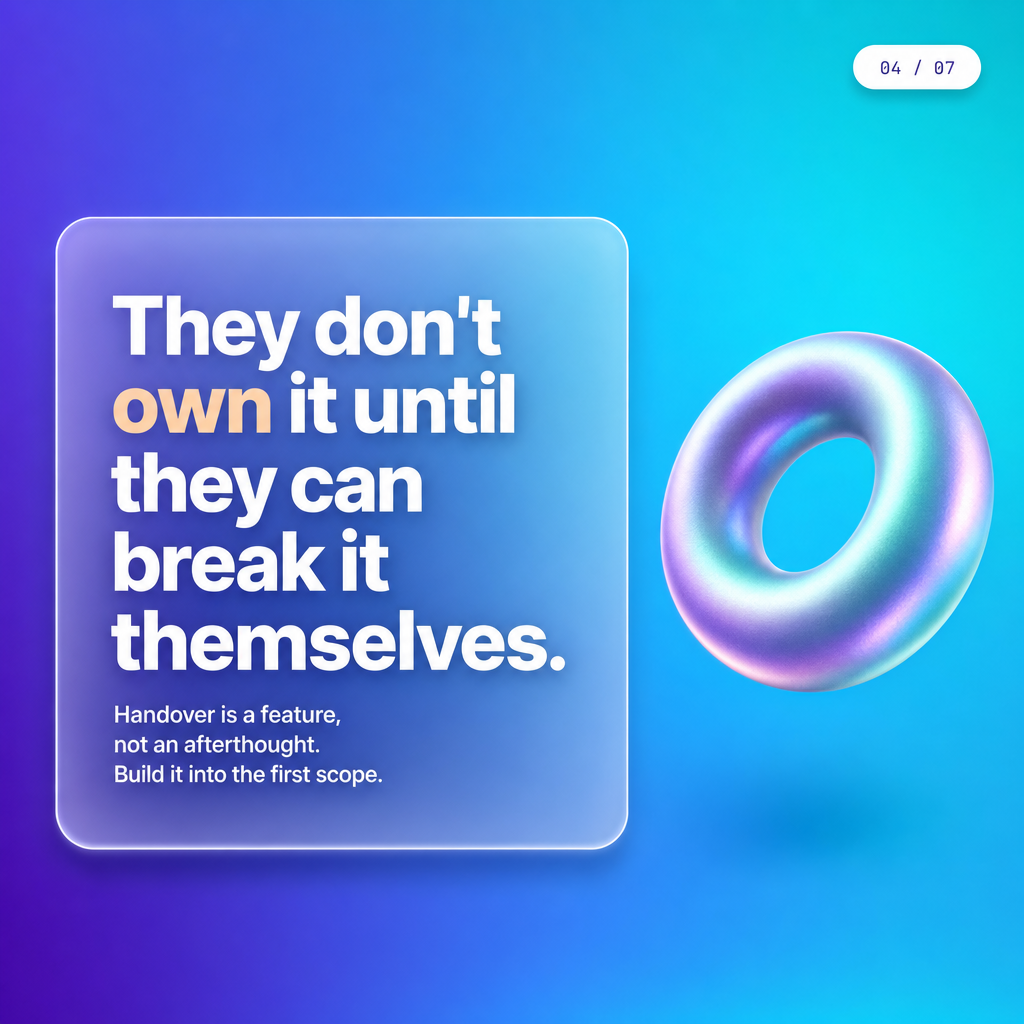
From day one. Not after go-live. Not after a handover doc. From the first conversation.
The builds that went sideways were almost always ones where the client saw the workflow as my problem to maintain indefinitely. They never logged into N8N. They had no idea where the credentials lived. When something needed updating, it became a support ticket instead of a two-minute fix.
Now I build ownership in early. Clients get their own N8N instance or cloud environment. I document in plain English, not just inline notes. And I run at least one "you do it, I watch" session before I consider a build done.
This also protects you. Bespoke builds only make sense when the client can run them. If they can't, you're not a builder, you're a long-term support contract with no retainer.
How do you spot scope creep early on n8n workflow builds?
The signal is always the same: "while you're in there, could you also..."
N8n workflows are modular. That's a feature and a trap. Because it's easy to add another node, clients assume it's easy to add another requirement. It usually isn't. Another node means another integration, another credential, another failure point to monitor.
Here's what scope creep looks like in practice on these builds:
- A lead routing workflow gets asked to also send reminders
- A CRM sync gets asked to pull data from a second source
- An intake form automation gets asked to handle cancellations too
- A simple notification flow gets asked to log to a spreadsheet as well
- Each one feels small and none of them are
I now scope in writing before any node gets placed. What it does. What it doesn't do. What triggers a change request. N8N's fair-use documentation is worth reading before you make claims about what's "easy to add".
What does ROI actually look like for these n8n workflow clients?
It's almost never about cost. It's about time and consistency.
Non-technical clients don't come to you with a spreadsheet of hours saved. They come with a specific pain. Leads falling through the cracks. Follow-up happening days late. Staff doing the same manual task forty times a week.
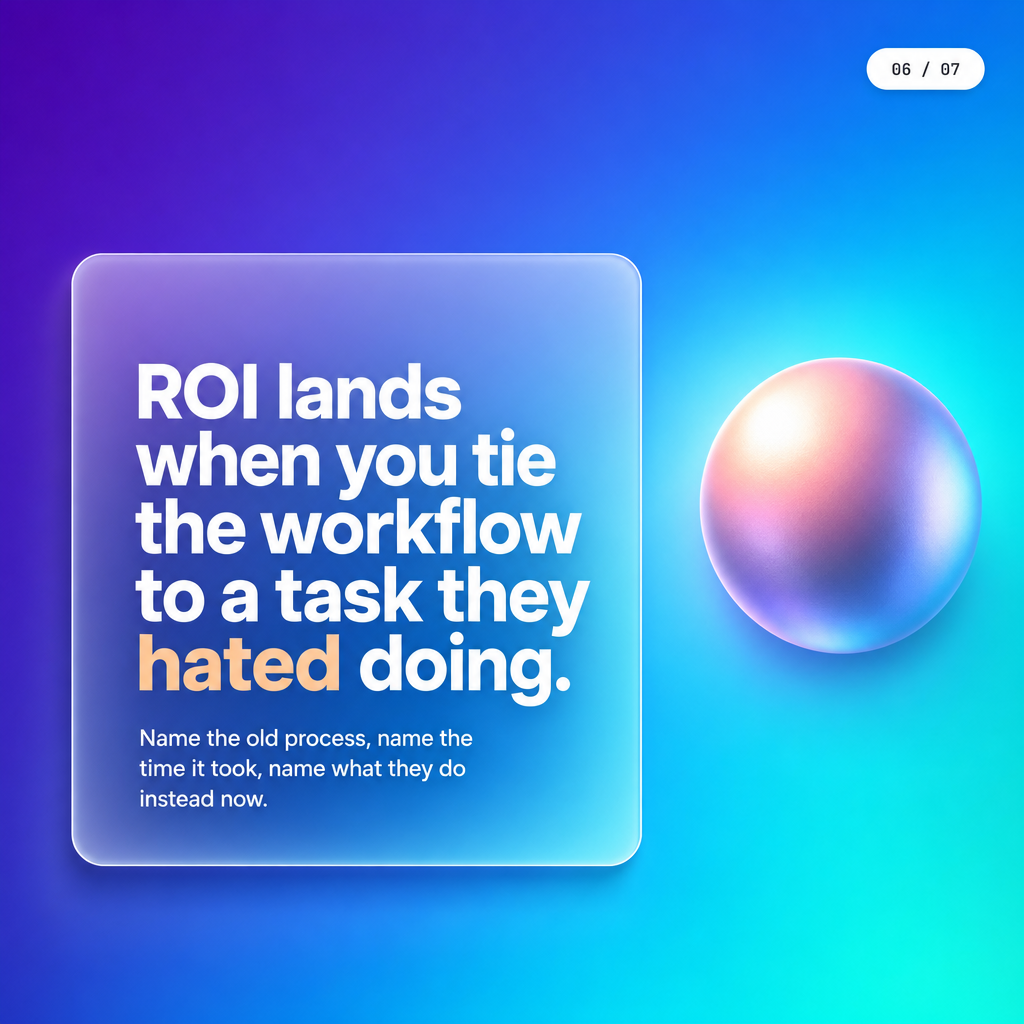
The ROI conversation that lands is the one that speaks to that specific pain. Not "you'll save X hours". More like "your leads will get a response within minutes instead of whenever someone remembers to check the inbox".
For context on what that kind of speed-to-lead improvement can mean in practice, hand-off design is where most of these builds actually win or lose. The automation is only as good as the moment it hands off to a human.
And if you're wondering whether clients in AU finance or insurance can even see citations when they search for help on this stuff, I ran some tests on Google AI Mode that surprised me.
Key Takeaways
- Plain language in client conversations speeds up n8n workflows more than any technical shortcut.
- Error paths written for humans cut support load and prevent client panic when something breaks.
- Scope creep on modular builds is predictable. Write what's in and what's out before you start.
If you're an Aussie SMB in finance, insurance, or real estate and you're not sure whether automation would actually stick in your business, DM AUDIT and I'll send you five questions. Takes about ten minutes to answer. You'll know pretty quickly whether it's worth going further.
Frequently Asked Questions
Written by Syed Bilgrami
Founder of TheAutomate.io, building AI voice agents for Australian businesses